
A simple start to AI video creation
Free AI Video Generator Turn text & images into video.
An all-in-one AI creative studio with the world's top video, image and music models. Start from a prompt or a photo and get shareable work in minutes.
































AI video ideas · illustrative examples
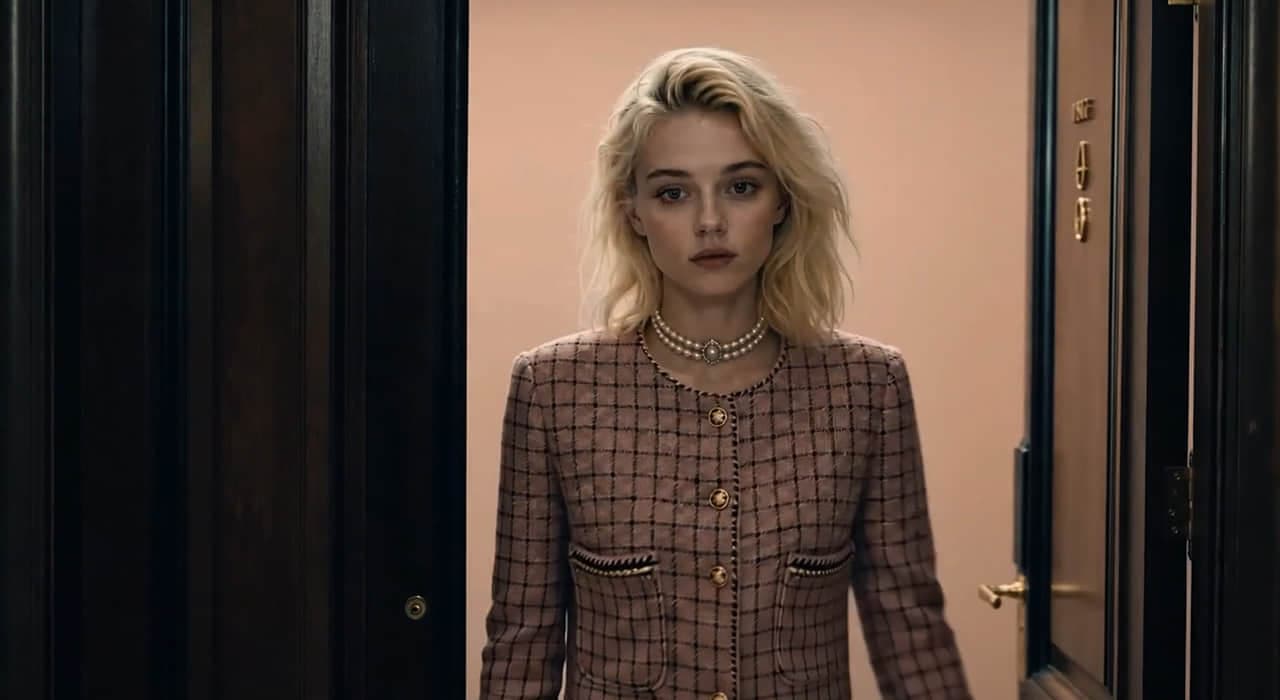
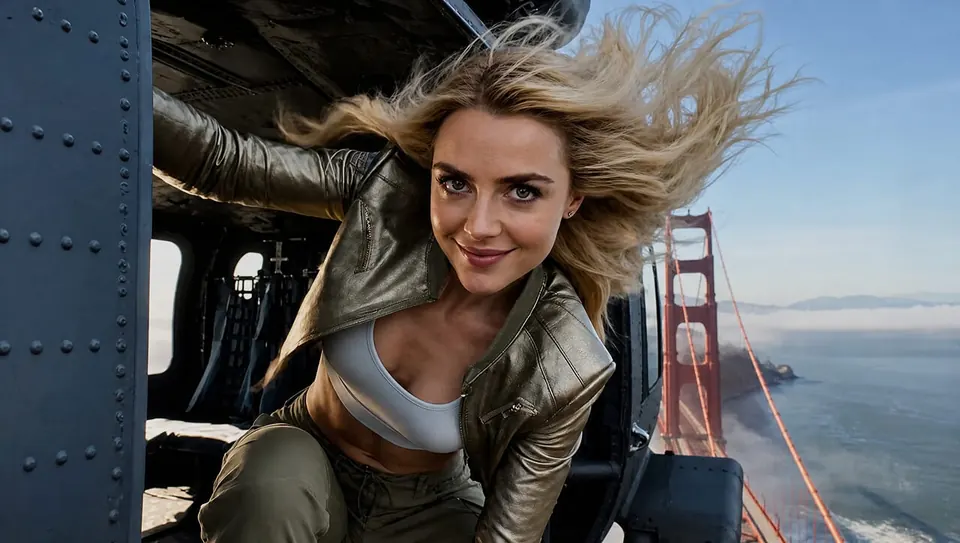
Create a starting image
Create a starting image from your description of a subject, setting and style.
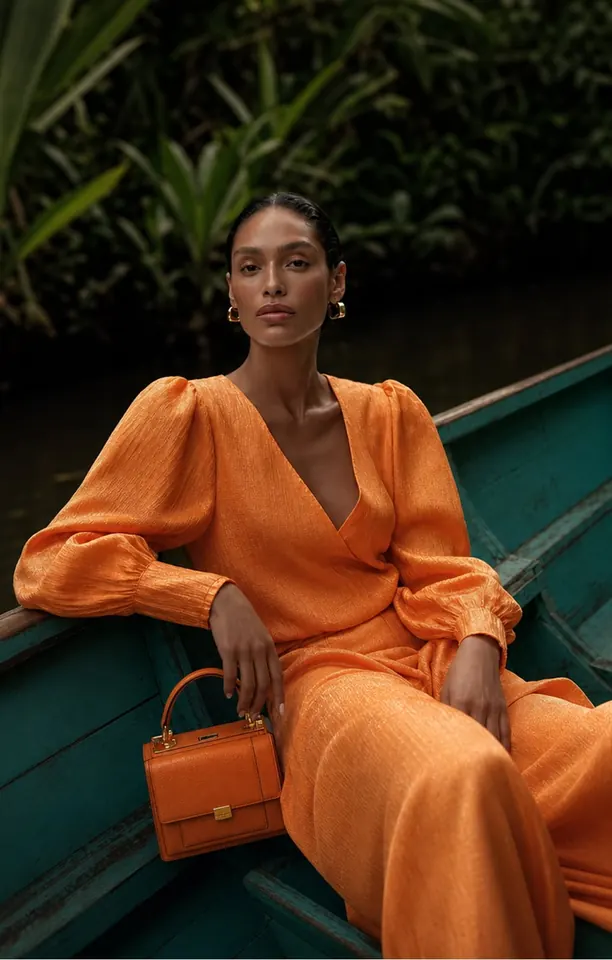
Guide a scene with references
Add reference inputs supported by your video model to guide the look of a scene.
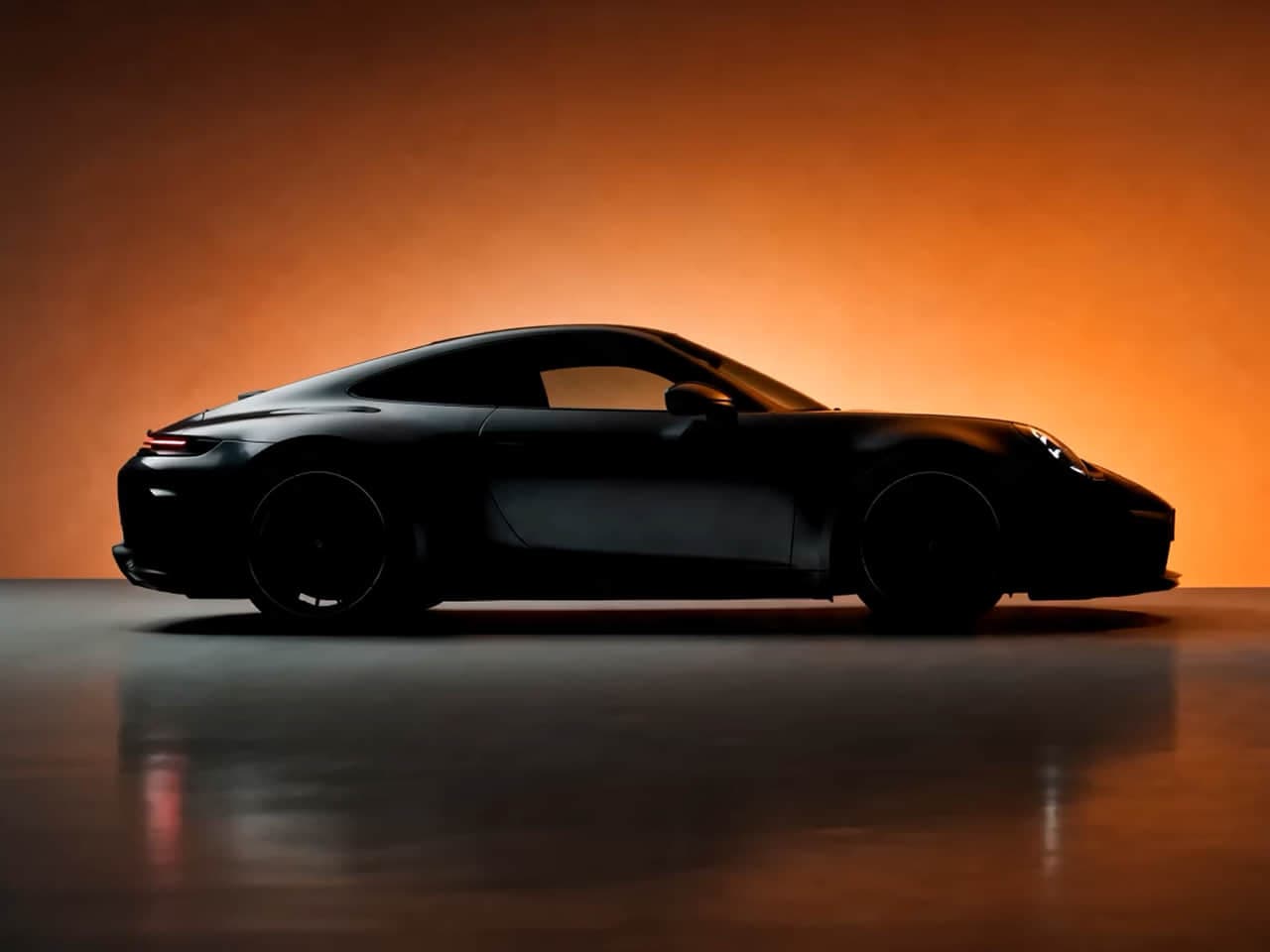
Turn text into video
Describe the scene, subject and camera movement to turn a written prompt into a video.
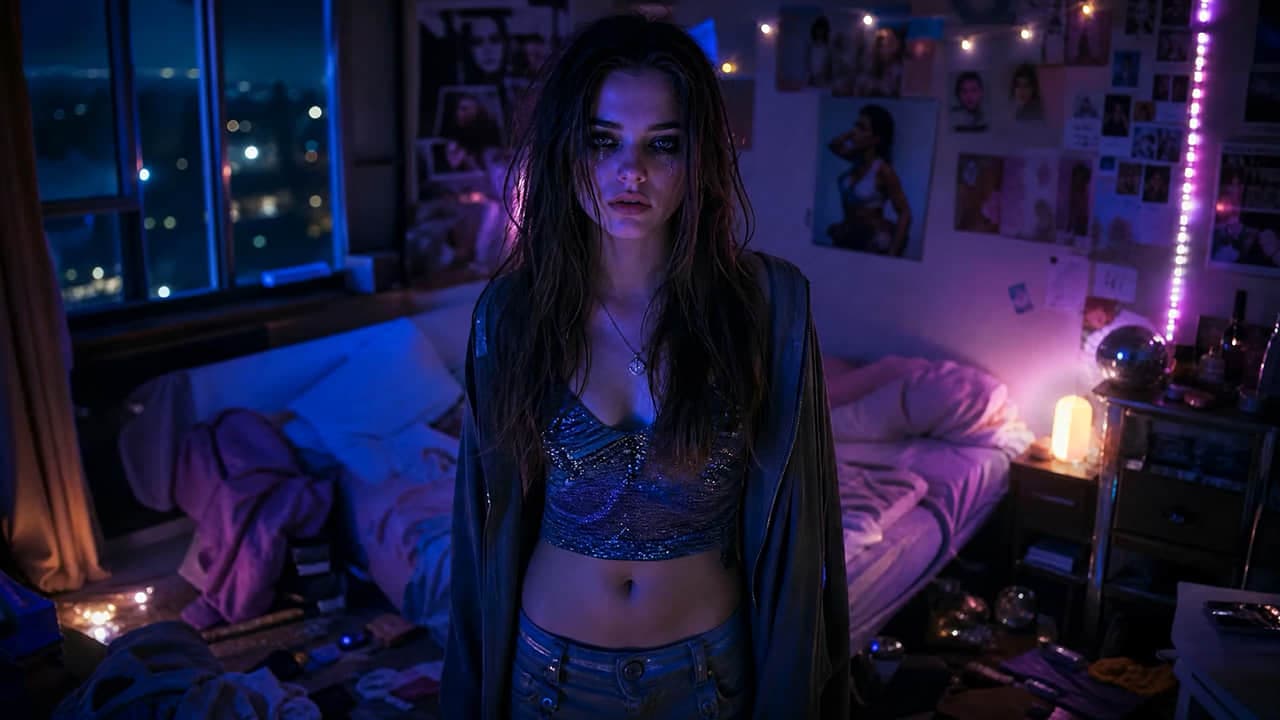
Animate a still image
Upload a still photo and describe how the subject or camera should move in your video.
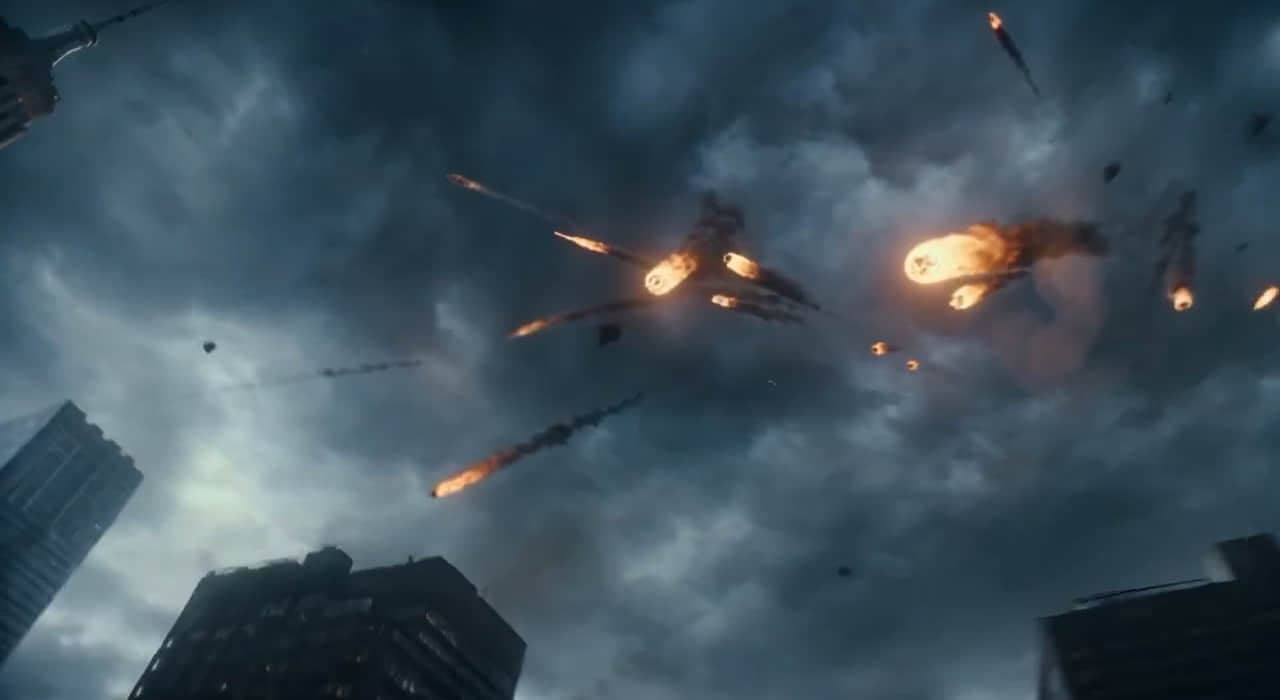
Explore music and voice
Generate separate music or voice clips to use when editing your video.
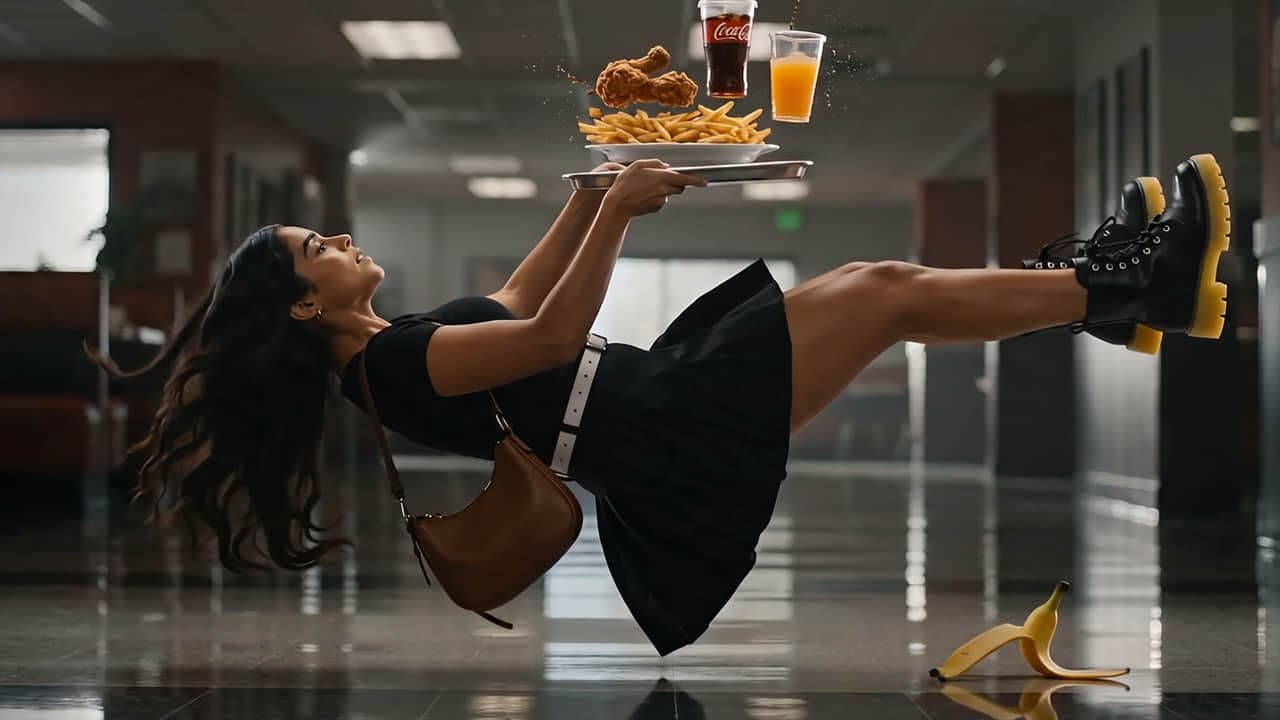
Try another visual direction
Try a different style or setting for your image before using it as a video reference.
Swipe to explore all 6 features
Made with Free AI Video Generator
Real work from real creators.
Browse what the community is making right now, then reuse any prompt to start your own.
Free AI Video Generator Agent
Plan your AI video with a creative assistant.
Develop a video idea through conversation: describe the scene, add references and refine your prompt. The examples show possible creative directions; results depend on the selected tools and settings.
Illustrative example
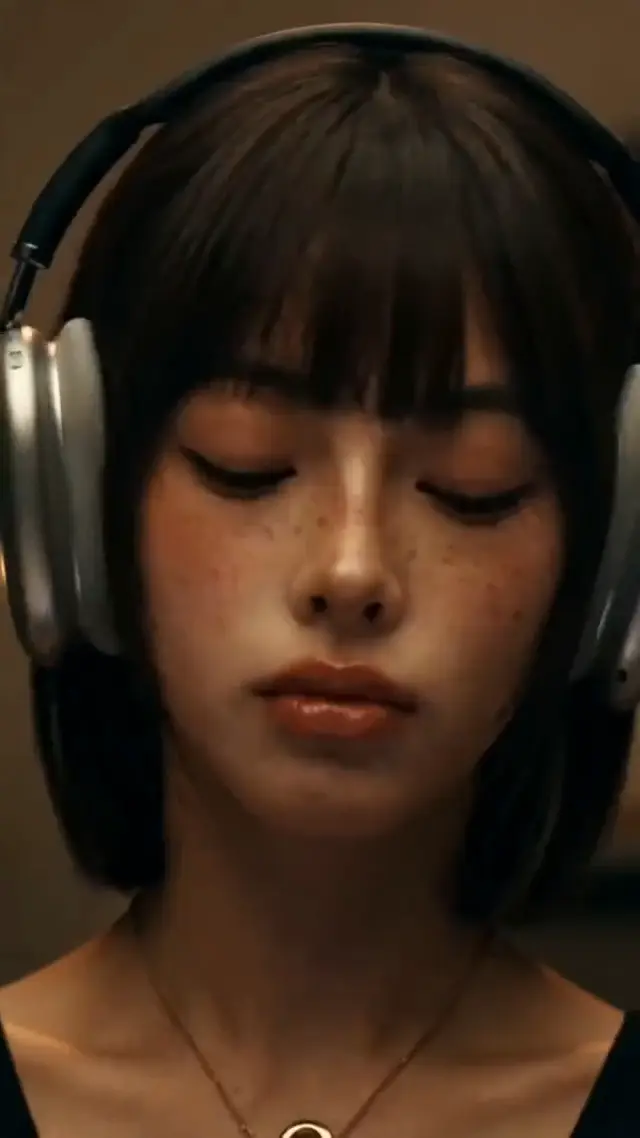
Example direction: headphone clip
Illustrative preview. Choose the duration and aspect ratio available in the video tool before generating.
Choose your starting point
Text to Video. Image to Video. More ways to create.
Have only an idea? Start with Text to Video. Have a photo or product image? Choose Image to Video and describe the motion. Reference, image and audio tools help you prepare supporting assets for a larger project.
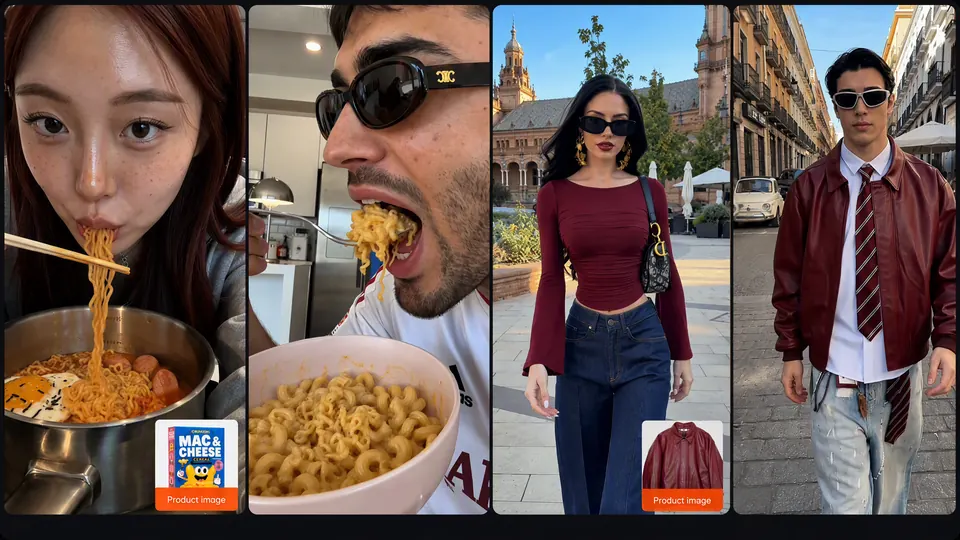
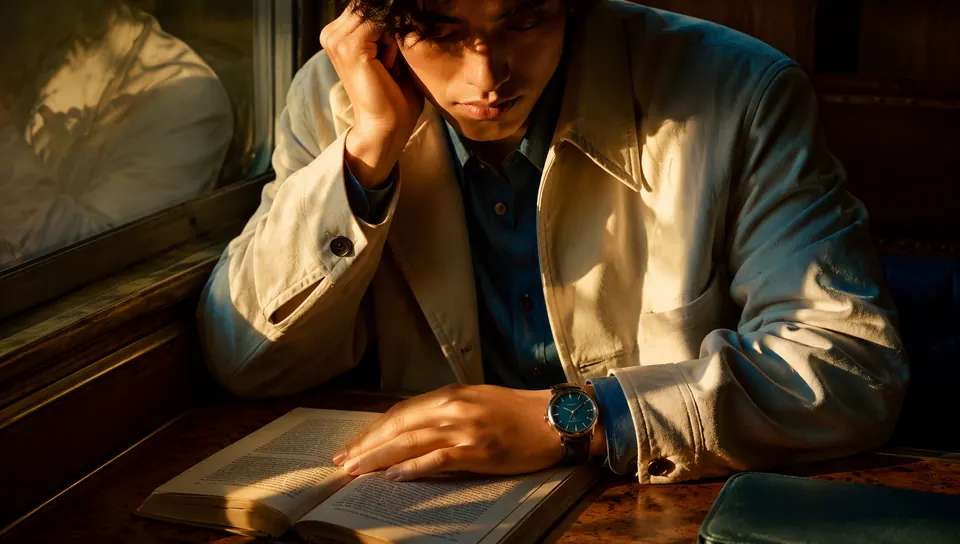
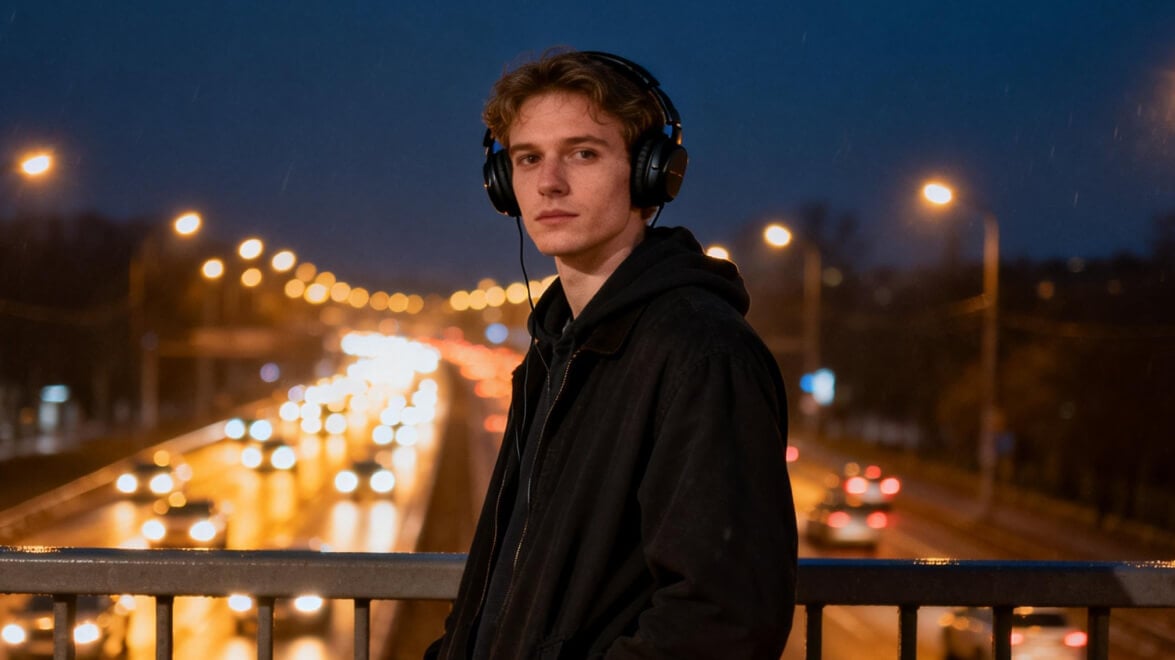
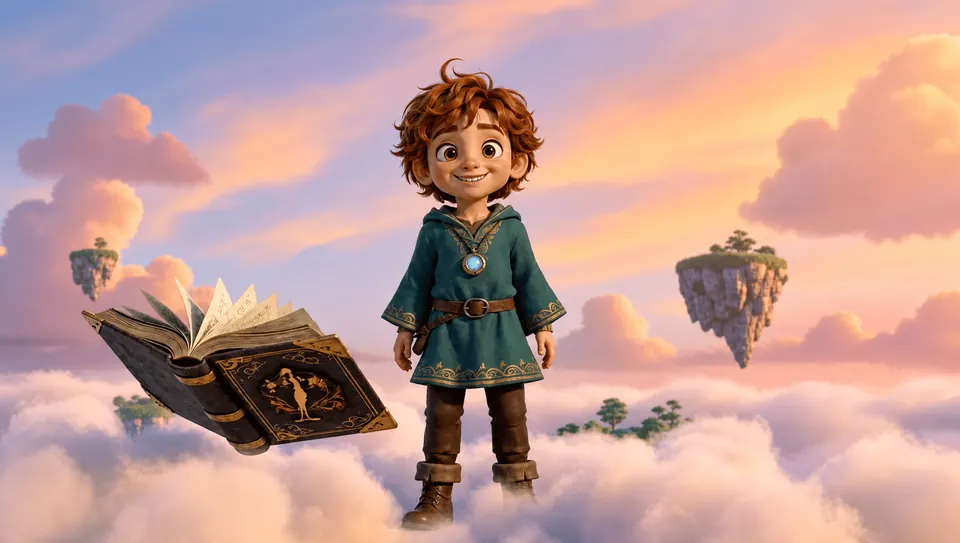
Swipe to explore more
Find an AI video model.Bring your idea to life.
Choose a model by the inputs it accepts, its available duration and aspect ratios, and the credit cost of your settings. Check output quality, watermark conditions and usage terms before deciding which option suits your project. Available models are listed in the workspace.
 Seedance 2.5
 MiniMax H3 Max
- Seedance 2.0
- Seedance 2.0 Mini
- MiniMax H3
 Wan 3.0
 Kling 3.0 Turbo
 Gemini Omni Flash 1.1
 HappyHorse 1.1
 FLUX 3 Video
 LTX-2.5 Fast
- Wan 2.7
 Veo 3.1
 GPT Image 2.5 Flare
- GPT Image 2.5 Sunburst
 Nano Banana 2.1
- Seedream 5.0 Pro
- Nano Banana 2
- Seedream 5.0 Flash
 Qwen Image 3.0
 Grok Imagine Image 2.0
- Nano Banana Pro
- FLUX.2 Pro
 Ideogram 4.5
 Recraft V4
 Z-Image Turbo
 Suno v6
- Suno v6 Wild
- Suno v6 Mini
 Flow Music
AI video plans and credits.
How many free videos can you make? It depends on eligible trial credits and the cost of each task, which varies by model and settings. Check your balance before generating; subscriptions and one-time packs provide additional credits.
Lite
For your first video ideas
$119.88 billed yearly
3,000 Credits / month
- Videos
- ~61
- Images
- ~750
- Tracks
- ~136
- Access to video generation models
- Access to image generation models
- Music and audio creation
- AI Agent chat
- Check output usage terms
- AI Workflow Infinite Canvas included
Secure checkout · cancel renewal anytime
Pro
PopularFor regular content creation
$299.88 billed yearly
10,000 Credits / month
- Videos
- ~204
- Images
- ~2,500
- Tracks
- ~454
- Access to video generation models
- Access to image generation models
- Music and audio creation
- AI Agent chat
- Check output usage terms
- AI Workflow Infinite Canvas included
Secure checkout · cancel renewal anytime
Ultra
For projects with more iterations
$959.88 billed yearly
30,000 Credits / month
- Videos
- ~612
- Images
- ~7,500
- Tracks
- ~1,363
- Access to video generation models
- Access to image generation models
- Music and audio creation
- AI Agent chat
- Check output usage terms
- AI Workflow Infinite Canvas included
Secure checkout · cancel renewal anytime
How do I use a free AI video generator?
Choose an input, check the credit cost, then generate and review your clip. Free generation is available only when eligible trial credits cover the selected task.
Start with text or a photo
Sign in, then choose Text to Video for a written scene or Image to Video for a still photo. Focus on one subject and one clear action.
Choose settings and check credits
Select a model that supports your input, then choose an available duration, resolution and aspect ratio. Compare the displayed cost with your credit balance.
Generate, preview and download
Review the motion and visual details before downloading. Refine your prompt if you want another version; each new generation uses credits.
What should I write in my video prompt?
Describe the subject, action, setting, camera movement and lighting. Keep the first attempt to a single shot, then change one detail at a time.
Text-to-video example
A ceramic coffee cup on a wooden table by a window. Steam rises gently while the camera slowly moves closer. Warm morning light, realistic detail, one continuous shot.Open Text to Video
Image-to-video example
Use the uploaded product photo as the starting image. Keep the camera steady while soft light moves across the surface. Preserve the product shape and background as closely as possible.Open Image to Video
Set duration and aspect ratio with the model controls. Writing a setting in the prompt does not enable an unsupported option. Results may vary.
Compare plans and creditsFree AI Video Generator FAQs
Direct answers about free credits, sign-up, watermarks, prompts and choosing a video tool for your project.
Your next video starts here
Create your next AI video from text or images.
Have a scene in mind? Start with a prompt or photo in Free AI Video Generator, then preview your clip. Check available trial credits and the generation cost before you begin.